 Milan · Como · Since 2010

MONITORING & ALERTING
ExperimentalGrafana Alerting
SMS notifications.
Bring alerting from dashboards to a cellular notification path. Start with a reviewable prototype and an external bridge to the FoxBox HTTP API.
HOW IT CONNECTS
01 / USE CASE
A useful notification,
from an existing event.
A Grafana alert fires. A webhook contact point sends the alert group to an external bridge, where messages are bounded and normalized.
The integration adds a separate SMS notification path. It does not establish service availability or replace your existing incident response and escalation process.
02 / REQUIREMENTS
Before you begin.
- Grafana Alerting webhook; target version to validate
- A separate host for the integration bridge. Nothing is installed on the FoxBox firmware.
- Python 3 for the bridge and an isolated environment for the first test.
- A FoxBox HTTP interface compatible with the documented
app=ws,op=pvrequest. Device and firmware version must be confirmed. - For any later live test: an approved recipient, correct credentials and a validated SMS route. SIM routes require coverage; external services require internet access and provider configuration.
No physical FoxBox firmware version or target Grafana Alerting instance has been verified end to end for this prototype.
Which FoxBox fits this integration?
Choose the format, modem count and network you need. Keep Grafana Alerting as the project context.
Find the right FoxBox for this integration →03 / INSTALLATION
Start in isolation.
Prepare the bridge.
Download the source bundle. Follow its root README to configure the external bridge in dry-run mode, using placeholders and a local test destination.
Step 2
Create a Webhook contact point in Grafana Alerting.
Step 3
Set the bridge endpoint and protected authentication configuration.
Step 4
Use the contact-point test with a dry-run bridge before assigning a notification policy.
04 / REVIEW THE CODE
Nothing hidden
behind the example.
The files below come from the downloadable integration source bundle. Review the full bridge and integration guide before using the example.
Loading source…05 / VALIDATE THE PATH
Test the example.
Then test the deployment.
Run the repository's isolated suite from the extracted repository directory. Its mock transport does not send SMS or prove cellular delivery.
python3 -m unittest discover -s tests -vCheck the expected payload, validation behavior, duplicate handling and error responses. The Lab below illustrates the flow locally in your browser.
Grafana contact-point transport, grouped alerts and recovery behavior need target-instance validation. A successful mock test is not evidence that an SMS arrived.
06 / TROUBLESHOOTING
Make failures visible.
The bridge rejects the payload.
Check the integration field mapping against the supplied configuration. Use the synthetic examples first. Do not copy production event contents or credentials into support logs.
The request times out.
Confirm reachability, TLS and the expected request format. Do not automatically resend an ambiguous SMS request: the first request may already have been accepted.
The API accepted the request, but no SMS arrived.
Request acceptance is not delivery confirmation. Check the documented FoxBox message status and mobile-network conditions on the real device; the prototype cannot confirm delivery.
A duplicate event is sent.
Review the bridge event-key and deduplication settings. Validate grouped and recovery events in the target software before enabling live notifications.
FROM INTEGRATION TO HARDWARE
Choose the format.
Validate the fit.
Start with S1 for one modem, S2 for two, or SR for a rack deployment. The integration alone does not determine modem capacity or resilience requirements.
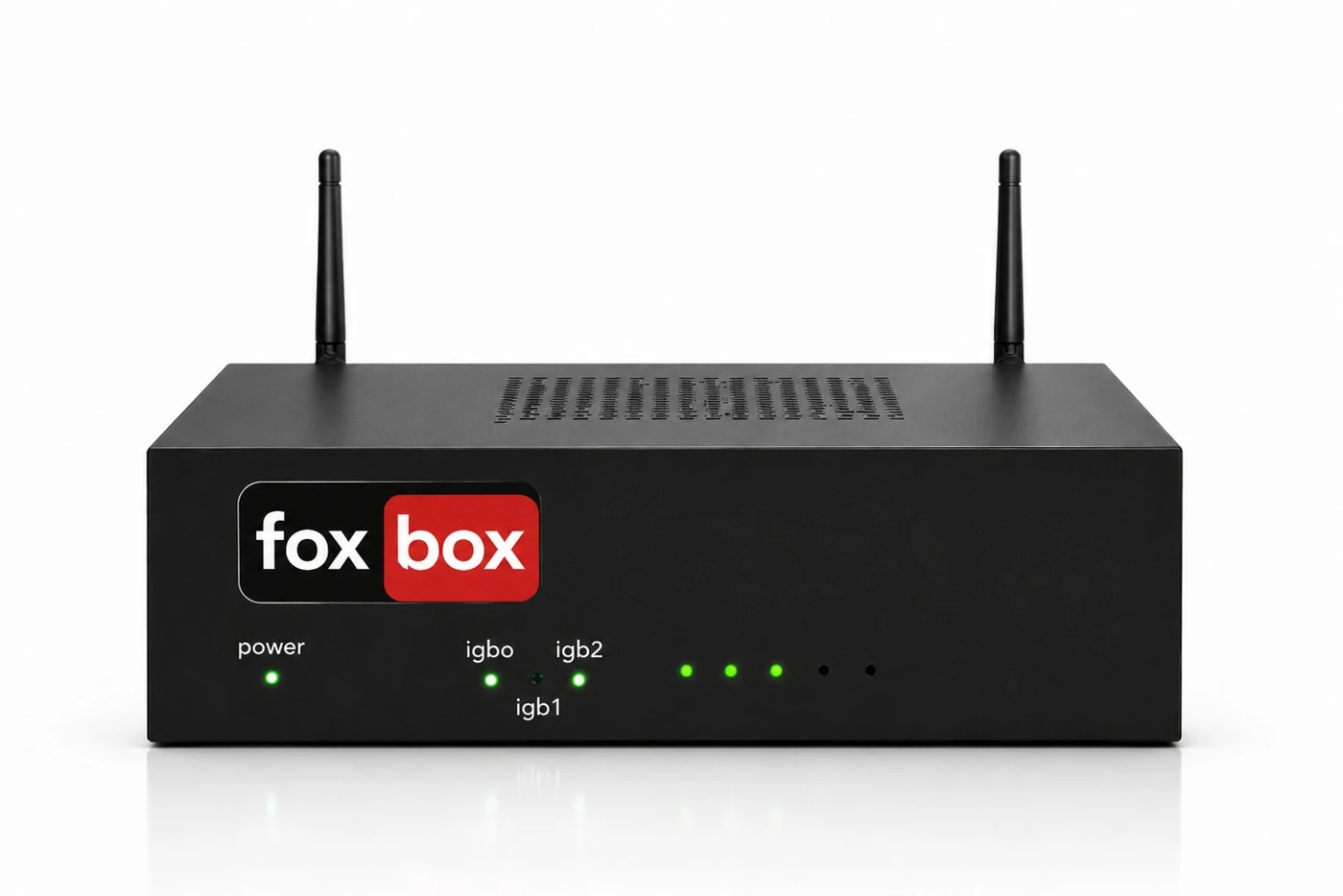 FoxBox S2 · compact, two-modem appliance
Configuration and validation
Technical setup: Grafana
Connection through an external bridge
Create a Webhook contact point with HTTP POST, the bridge URL and Bearer authorization. Keep Grafana’s native webhook payload. Set Max Alerts to 20 for the supplied parser and keep resolved notifications enabled. Route a narrowly scoped notification policy to this contact point before considering wider alert groups.
The bridge reads alert fingerprints and start/end times to distinguish firing and resolved groups. It bounds message size and rejects unsuitable payloads; it does not silently send a truncated list of every alert. Keep the bridge credential in Grafana’s protected authorization field and the FoxBox credential only on the bridge host.
Configuration example · replace placeholders before use
URL: https://bridge.example.invalid/webhooks/grafana
HTTP method: POST
Authorization scheme: Bearer
Authorization credentials: <PRIVATE_BRIDGE_TOKEN>
Max Alerts: 20
Disable resolved message: false
Payload: default Grafana webhook JSON
Validate before enabling transport
- Use a synthetic firing group, duplicate delivery, resolved group and an oversized group; check ledger identity and rejection behavior with dry-run enabled.
References: Grafana webhook notifier
FoxBox API: parameters, errors and status · Adapter authentication and duplicate handling
