 Milan · Como · Since 2010

AUTOMATION & AI
ExperimentalNode-RED
SMS notifications.
Connect event-driven workflows to FoxBox with an importable flow. Start with a reviewable prototype and an external bridge to the FoxBox HTTP API.
HOW IT CONNECTS
01 / USE CASE
A useful notification,
from an existing event.
A workflow produces an event. The supplied flow builds a bounded request and routes it through an external bridge before FoxBox.
The integration adds a separate SMS notification path. It does not establish service availability or replace your existing incident response and escalation process.
02 / REQUIREMENTS
Before you begin.
- Node-RED core nodes; runtime version to validate
- A separate host for the integration bridge. Nothing is installed on the FoxBox firmware.
- Python 3 for the bridge and an isolated environment for the first test.
- A FoxBox HTTP interface compatible with the documented
app=ws,op=pvrequest. Device and firmware version must be confirmed. - For any later live test: an approved recipient, correct credentials and a validated SMS route. SIM routes require coverage; external services require internet access and provider configuration.
No physical FoxBox firmware version or target Node-RED instance has been verified end to end for this prototype.
Which FoxBox fits this integration?
Choose the format, modem count and network you need. Keep Node-RED as the project context.
Find the right FoxBox for this integration →03 / INSTALLATION
Start in isolation.
Prepare the bridge.
Download the source bundle. Follow its root README to configure the external bridge in dry-run mode, using placeholders and a local test destination.
Step 2
Import the supplied flow JSON in an isolated Node-RED workspace.
Step 3
Configure the bridge address and credentials outside the exported flow.
Step 4
Inject the synthetic example and inspect the response in the debug sidebar.
04 / REVIEW THE CODE
Nothing hidden
behind the example.
The files below come from the downloadable integration source bundle. Review the full bridge and integration guide before using the example.
Loading source…05 / VALIDATE THE PATH
Test the example.
Then test the deployment.
Run the repository's isolated suite from the extracted repository directory. Its mock transport does not send SMS or prove cellular delivery.
python3 -m unittest discover -s tests -vCheck the expected payload, validation behavior, duplicate handling and error responses. The Lab below illustrates the flow locally in your browser.
The flow is an experimental starting point. Its imported-node behavior and runtime transport need target-runtime testing. A successful mock test is not evidence that an SMS arrived.
06 / TROUBLESHOOTING
Make failures visible.
The bridge rejects the payload.
Check the integration field mapping against the supplied configuration. Use the synthetic examples first. Do not copy production event contents or credentials into support logs.
The request times out.
Confirm reachability, TLS and the expected request format. Do not automatically resend an ambiguous SMS request: the first request may already have been accepted.
The API accepted the request, but no SMS arrived.
Request acceptance is not delivery confirmation. Check the documented FoxBox message status and mobile-network conditions on the real device; the prototype cannot confirm delivery.
A duplicate event is sent.
Review the bridge event-key and deduplication settings. Validate grouped and recovery events in the target software before enabling live notifications.
FROM INTEGRATION TO HARDWARE
Choose the format.
Validate the fit.
Start with S1 for one modem, S2 for two, or SR for a rack deployment. The integration alone does not determine modem capacity or resilience requirements.
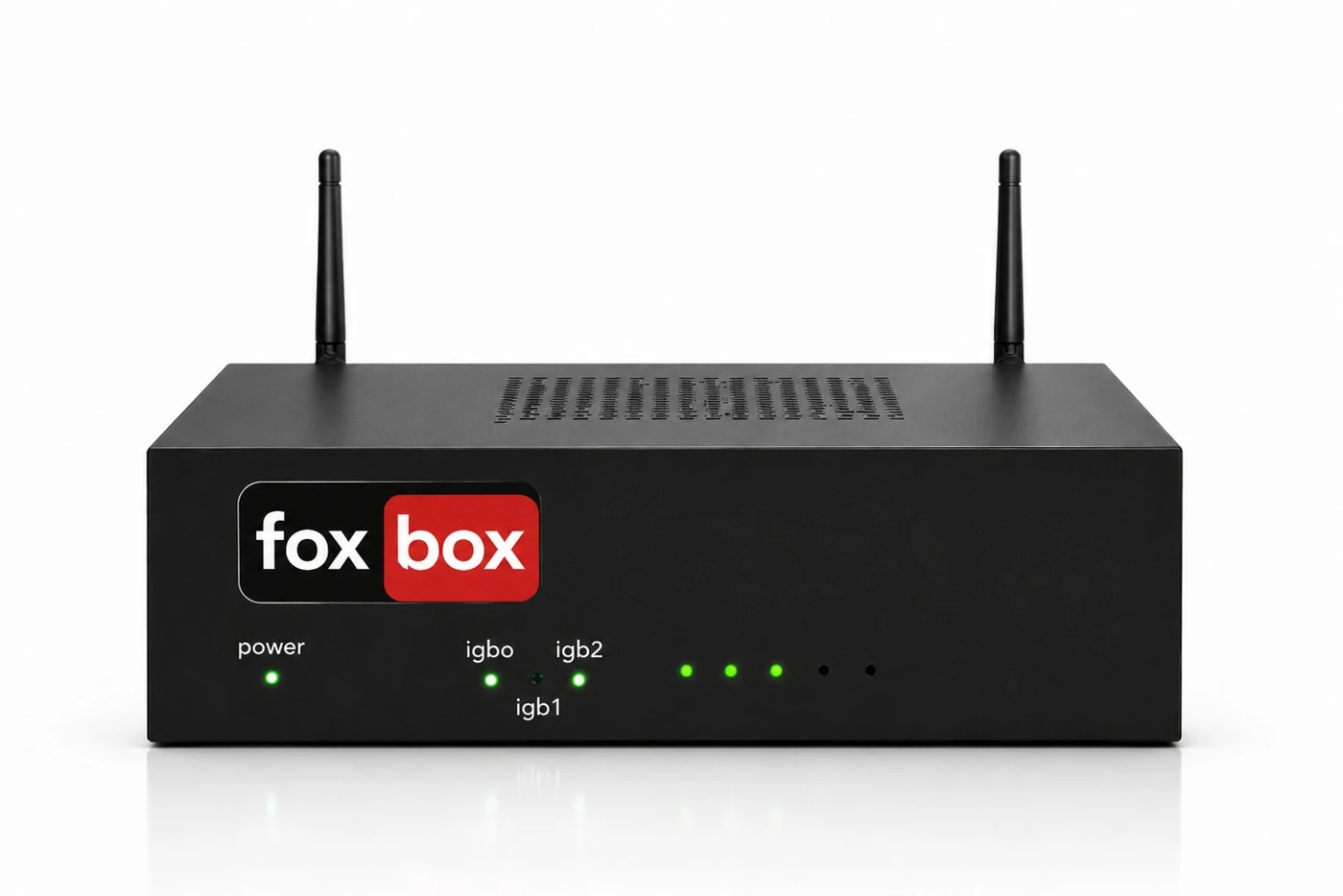 FoxBox S2 · compact, two-modem appliance
Configuration and validation
Technical setup: Node-RED
Connection through an external bridge
Import the supplied flow and configure FOXBOX_BRIDGE_URL and FOXBOX_BRIDGE_TOKEN in the Node-RED service environment. The Function node uses env.get, validates a stable event_id and builds JSON; the HTTP Request node posts it with verified TLS and redirects disabled. The included Inject node is manual and has no repeating schedule.
The supplied Debug path shows a sanitized status, not the complete request. Preserve that boundary when adapting a PLC, MQTT or home-automation flow. Generate event IDs from a state transition or upstream event identity, not a fresh random value on each retry. Industrial protocol conversion is an additional project scope.
Configuration example · replace placeholders before use
FOXBOX_BRIDGE_URL=https://bridge.example.invalid/webhooks/node-red
FOXBOX_BRIDGE_TOKEN=<SECRET_FROM_SERVICE_STORE>

msg.payload = {
  event_id: "lab-temperature-001:high",
  subject: "LAB ONLY",
  message: "Temperature threshold reached"
};
Validate before enabling transport
- Keep the bridge in dry-run, trigger the manual fixture, repeat it, then remove required configuration. Inspect only the sanitized result and confirm no automatic retry.
References: Node-RED environment variables · Node-RED HTTP Request URL
FoxBox API: parameters, errors and status · Adapter authentication and duplicate handling
