 Milan · Como · Since 2010

Understand the device
What is SMS gateway hardware?
SMS gateway hardware is a physical device that connects business applications to mobile networks. An application sends a request to the gateway over the local network; the gateway queues the message and sends it through a modem with a SIM card. Incoming SMS can be passed back to the application for replies or automated workflows.
A FoxBox appliance brings the gateway software and cellular modems together in an on-premises system. Your team manages the local configuration, routing and logs. It can also connect to configured SMPP or HTTP services when a provider route is part of the deployment.
SMS modem
A modem supplies the cellular connection. Your own server or application still needs software to manage the queue, API, routing and incoming messages.
SMS gateway appliance
An appliance combines the cellular hardware with gateway software. Evaluate its interfaces, administration, modem count and operating requirements as a complete system.
For FoxBox platform administration, Linux and source access, see the open SMS gateway guide. For the full path from application to cellular or provider routes, see the hybrid SMS gateway guide.
Match the workload
Choose an SMS gateway device around peak traffic
Start with the number of messages you expect to send and receive, then describe the busiest period. Monthly volume alone does not show whether messages arrive steadily or in a short burst after a monitoring incident. Include the time available to clear that burst and any reply handling.
Modem count, message length, mobile network conditions and the SIM operator’s permitted use all affect a local route. More modems provide additional cellular channels; they do not by themselves guarantee a delivery time or a particular throughput.
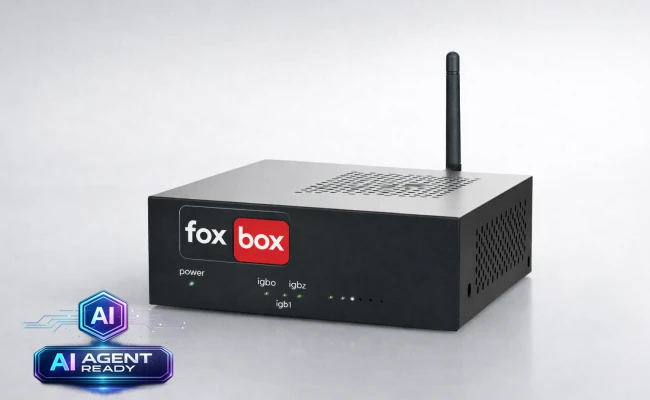
FoxBox S1
Compact appliance with one modem. Evaluate it for a deployment that needs a single cellular channel.
View S1 specifications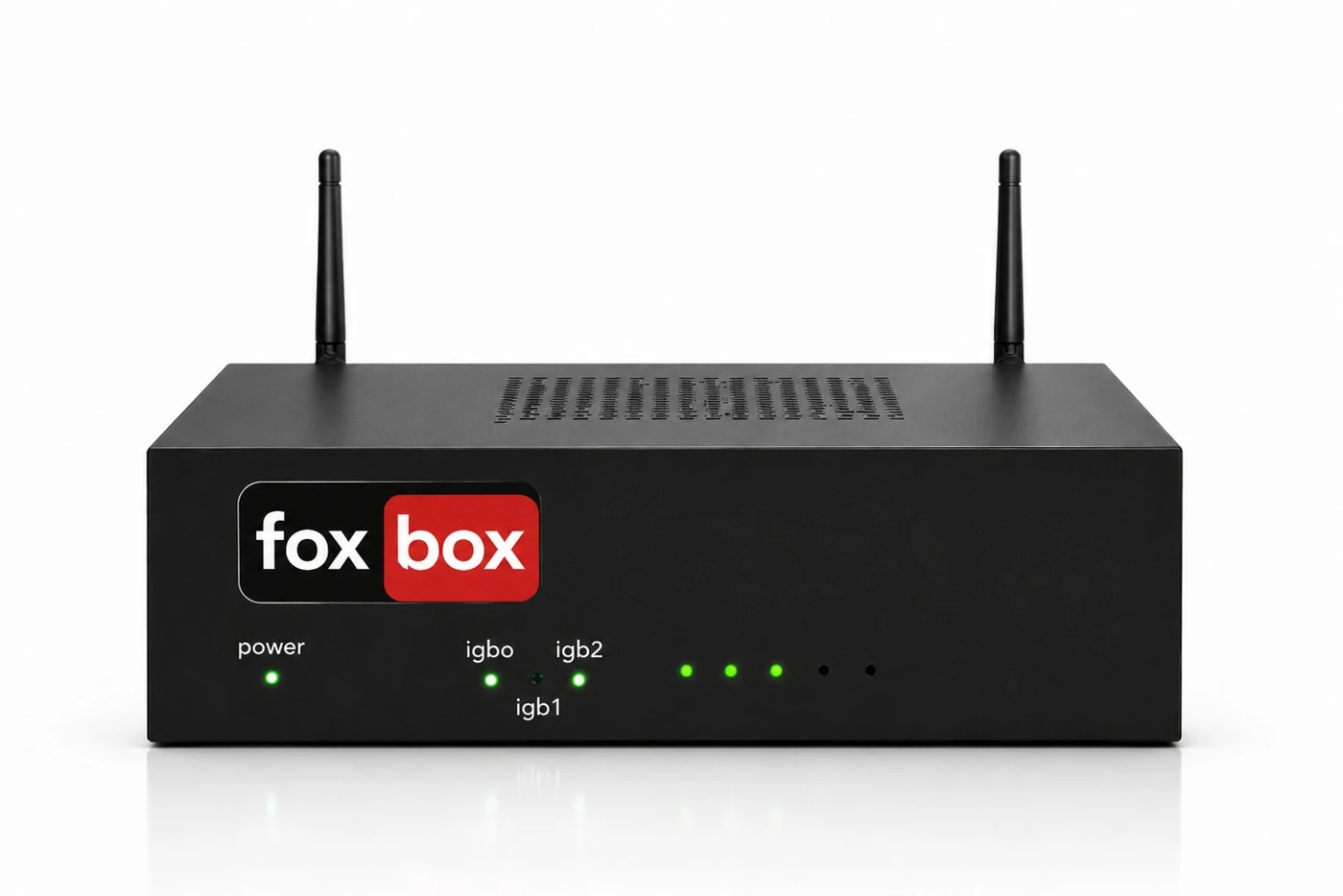
FoxBox S2
Compact appliance with two modems. Evaluate it when the project needs two cellular channels in a compact format.
View S2 specifications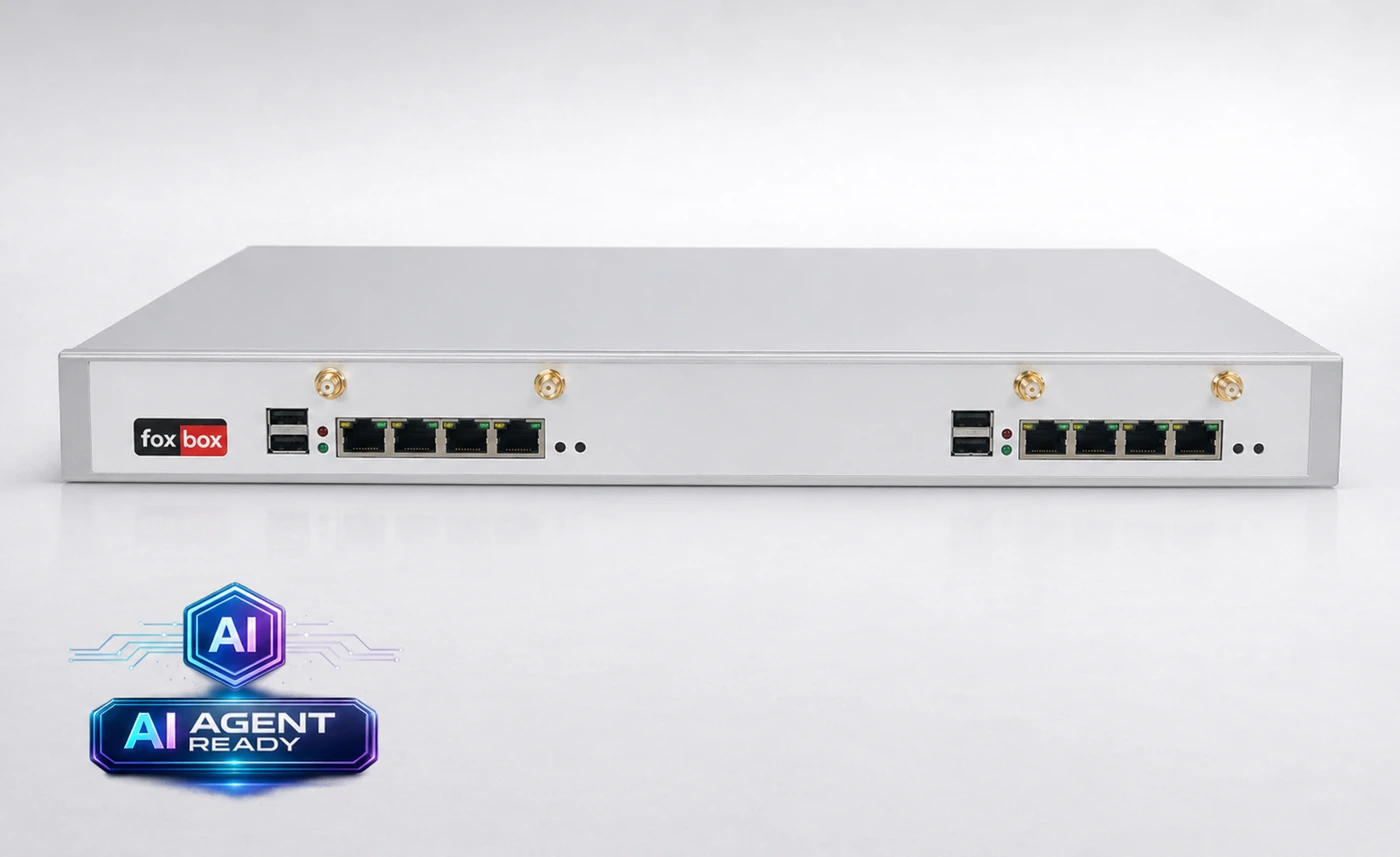
FoxBox SR
19-inch rack appliance with two or four modems and an optional internal UPS. Evaluate it for a rack installation.
View SR specificationsUse the configurator to compare current model and connectivity options against your expected volume. For a time-critical burst, unusual routing or several sites, include those constraints in your quote brief so the proposed configuration can address them.
Plan the route
Hardware SMS gateway or cloud SMS service?
These approaches place different parts of the service under your control. Choose the route around connectivity, administration, traffic and operating cost. A hybrid installation can use both.
Local SIM route
The appliance sends through its cellular modems. Plan power, mobile coverage, suitable SIM contracts, LAN access, monitoring and device administration. A local SIM route can operate without an Internet uplink when power, cellular service and the application-to-gateway connection remain available.
Provider route
Your application or gateway connects to a configured external service. Check that service’s connectivity, credentials, coverage, pricing and operating conditions. A local appliance does not remove these dependencies when it uses an external provider route.
Compare total cost over the same traffic profile: hardware, SIM and operator charges, applicable provider services, administration and support. No route is automatically cheaper or more reliable for every deployment.
Comparing suppliers as well as architectures? Use the SMS gateway hardware buyer’s guide for a structured comparison.
Prepare the deployment
What to check before choosing your appliance
- Workload and urgency. Expected monthly send/receive volume, peak burst, message length and the time available to process it.
- SIMs and coverage. Deployment country, coverage at the installation point, suitable operator terms and the required modem/connectivity options.
- Application integration. The software sending or receiving messages, its interface and authentication requirements. Explore the validated FoxBox integrations and describe any custom workflow.
- Operations. Compact or rack format, power protection, network access, administration, log handling and responsibility for maintenance.
- Failure conditions. Which systems and connections must remain available during an incident, and how your team will test and monitor that path.
Common questions
SMS gateway hardware FAQ
Is an SMS gateway device the same as an SMS modem?
A modem provides cellular connectivity. A gateway appliance combines the modem hardware with software for messaging interfaces, queues, routing and administration.
Does SMS gateway hardware need an Internet connection?
A local SIM route can send without an Internet uplink if power, cellular service and application-to-gateway connectivity remain available. External SMPP or HTTP services require connectivity to the configured provider.
Which FoxBox model should I choose?
Compare S1 for one modem, S2 for two modems in a compact format, and SR for a rack installation with two or four modems. Use your expected traffic and peak burst to evaluate the configuration rather than choosing on monthly volume alone.
Can the appliance send alerts and application-generated OTPs?
Yes. FoxBox can connect to application and monitoring workflows for alerts, notifications and application-generated OTPs. Plan the application, cellular route and operator conditions around the required response time; the gateway does not guarantee that every SMS will arrive within a fixed time.
What should I include in a quote request?
Describe send/receive volume, peak burst and deadline, deployment country, application or integration, compact or rack preference, connectivity and any continuity requirements. These details help define a configuration for your project.
